Project Journal
Sheild: Designing a Safety-App Concept.
Sheild is a proposed indoor and outdoor safety app. I led the team and designed the Figma prototype, bringing the SafeWalk and SafeHaven concepts into a set of interface flows for the hackathon pitch.
I. Inspiration and Problem
The project started from a practical safety challenge: most safety apps focus on emergency alerts but often miss context-sensitive support for both outdoor movement and indoor privacy risks. We wanted to build something proactive, intelligent, and discreet enough for high-stress moments.
II. Product Concept
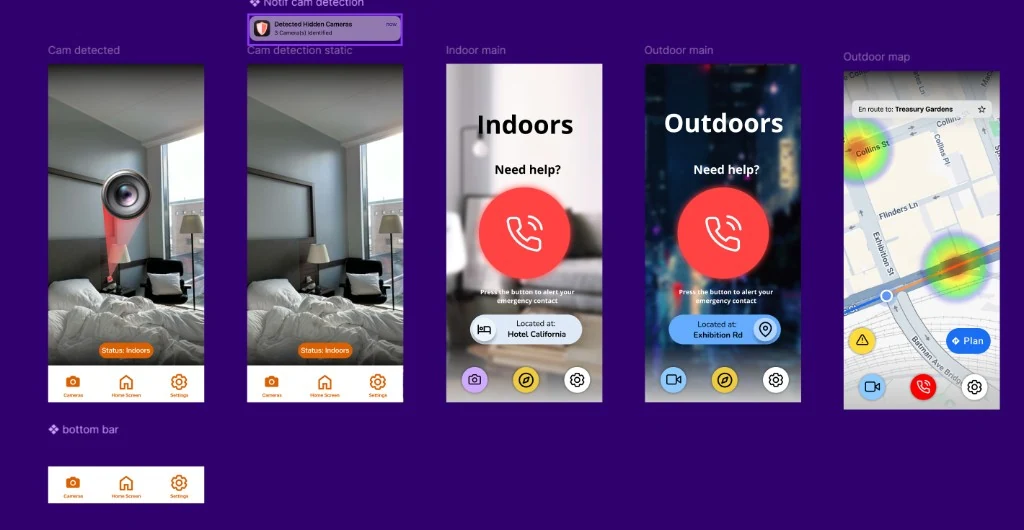
We proposed two modes. SafeWalk explored how to present outdoor route and risk information. SafeHaven explored an indoor flow for hidden-surveillance checks. The prototype shows how these proposed features could be presented.
- SafeWalk screens for proposed outdoor navigation and risk information.
- SafeHaven screens for a proposed indoor checking workflow.
- Mode-switching flows between the indoor and outdoor concepts.
- Alert screens designed for readable, discreet interactions.
III. My Leadership Contribution
As team lead and UX designer, I drove the project from idea to final pitch. I helped define the scope, prioritised the proposed features, and coordinated the team's work on the concept and pitch.
I led ideation, user-journey mapping, and design synthesis, then built the no-code interactive prototype in Figma. The screens let us demonstrate the proposed journeys without claiming a completed detection system.
IV. Prototype Experience
The prototype focused on clarity under pressure. Outdoor screens presented environmental warnings and route context, while indoor flows centered on fast scanning and confidence prompts. We treated UI readability, reduced cognitive load, and quick actionability as non-negotiable requirements.
Our design principle: in safety-critical moments, interface friction can become risk.
Prototype scope and limits
The Figma prototype demonstrates interface flows, rather than a deployed mobile app. It does not establish AI detection accuracy, route safety, or protection from hidden surveillance.
A further version would need technical feasibility work and evaluation of the proposed interactions. The hackathon recognition is evidence of the pitch's reception, rather than proof of real-world safety.
V. Recognition and Outcome
Women in AI: Impact Hackathon 2025
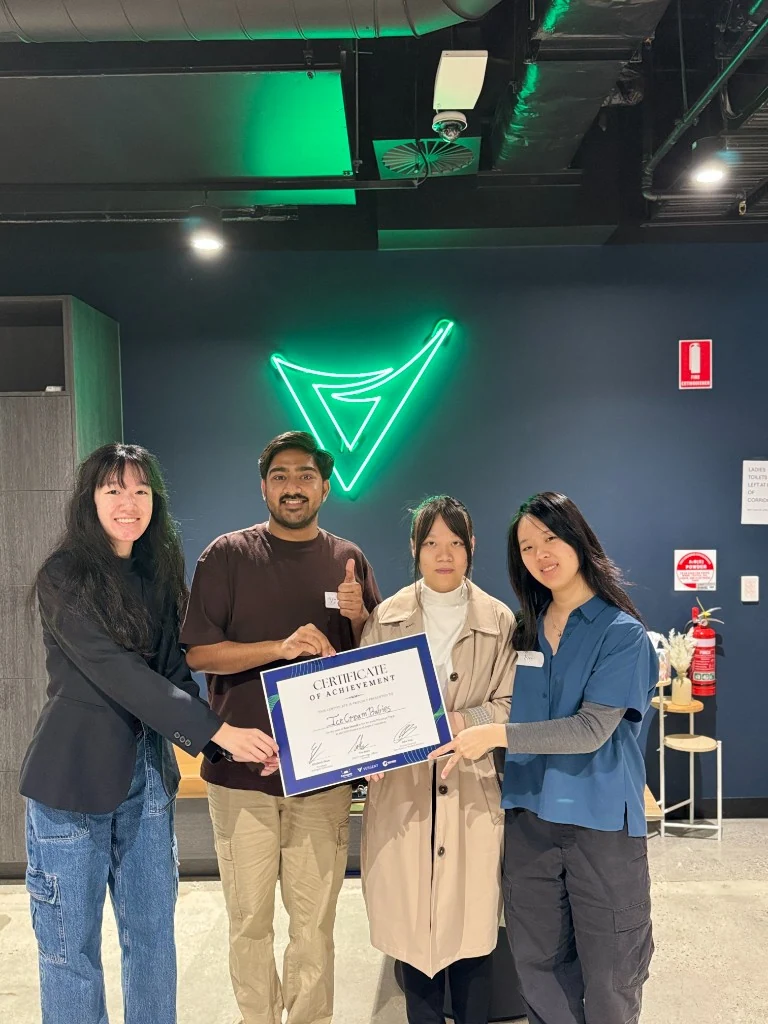
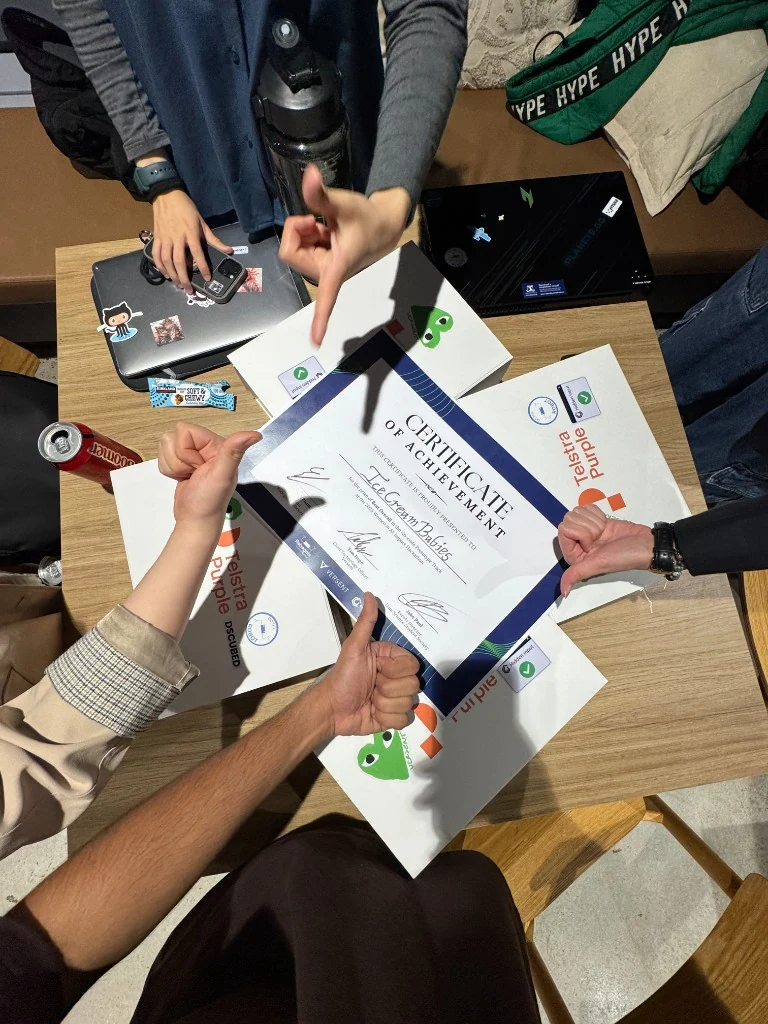
The team received People's Choice in the No Code track for the Sheild concept and pitch.
Team: Agnes Wang, Vu Minh Anh Dang, Emi Chen, and Vijit Pugalia.
VI. Mentorship and Growth
After the hackathon, the Versent × Robogals mentoring program provided a valuable next step. The mentorship emphasized real-world execution, confidence building, and practical product thinking beyond the event timeline.
This continuation phase helped turn a hackathon concept into a stronger foundation for future product and career growth.
VII. Screens and Interaction Snapshot
Product flow snapshots from the interactive draft show how Sheild handles quick mode changes and urgent actions with minimal friction.
VIII. Hackathon Moments
IX. Proof and References